6 Proven Strategies to Protect Your Sender Reputation
If you’re serious about email marketing, one metric you can’t afford to ignore is your spam complaint rate. Even a small spike can derail your deliverability, tank your open rates, and damage your sender reputation.
Let’s walk through six proven strategies that will help you keep your spam complaint rates under control, preserve inbox placement, and keep your audience engaged.
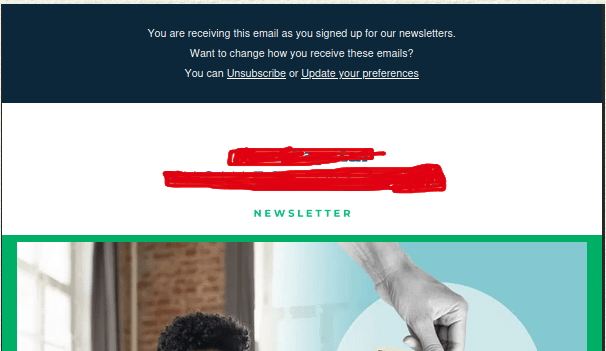
1. Place the Unsubscribe Link at Both the Top and Bottom of Your Email
This might feel counterintuitive - but making it easier to unsubscribe actually reduces spam complaints. Why?
Because when subscribers can’t easily find an unsubscribe link, their next move is the “Report Spam” button, which hits your reputation much harder. Remember someone who is still interested in receiving your emails will not use that link.
Put a clear, visible unsubscribe link right at the top and also at the bottom of your emails with language like:
“Don’t want to hear from us? Unsubscribe instantly here.”
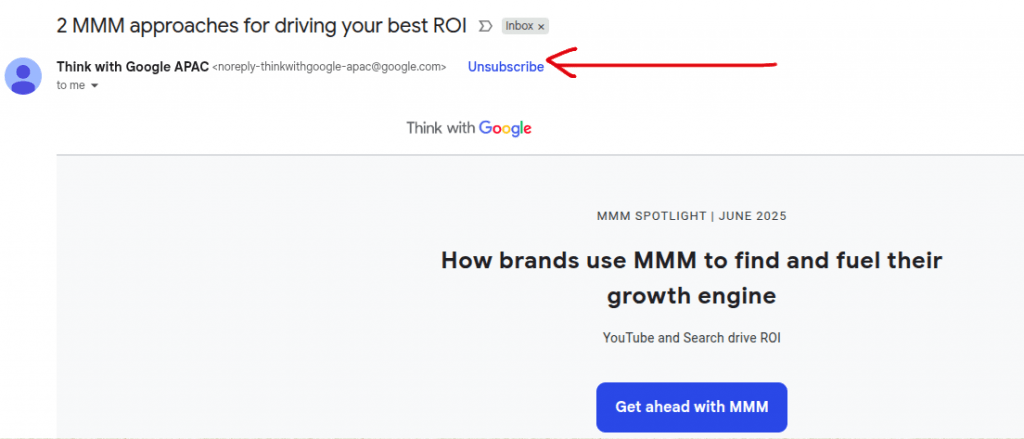
Also, if you’ve properly implemented the List-Unsubscribe and List-Unsubscribe-Post headers, Google will automatically display an unsubscribe link next to your sender name in Gmail - making it even easier for users to leave peacefully instead of reporting your message as spam.
Let people leave on their own terms rather than forcing them to block you.
2. Run a Proactive Unsubscribe Campaign Every Quarter
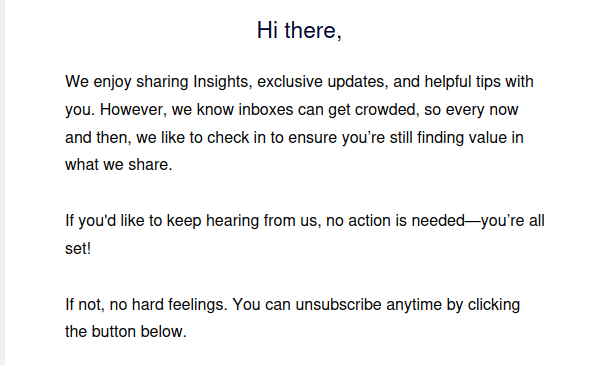
Every 3 months, send out a “Permission Check” email to your list.
Let your subscribers know:
They’re still on your list
You only send useful, relevant content
They can easily unsubscribe at any time
Sample message:
“We value your inbox space. If you’d rather not receive our updates, click here to opt out. No hard feelings.”
A proactive unsubscribe campaign giving subscribers an opportunity to leave
This helps clean your list, reduces future complaints, and reinforces that you respect your audience’s control over communication.
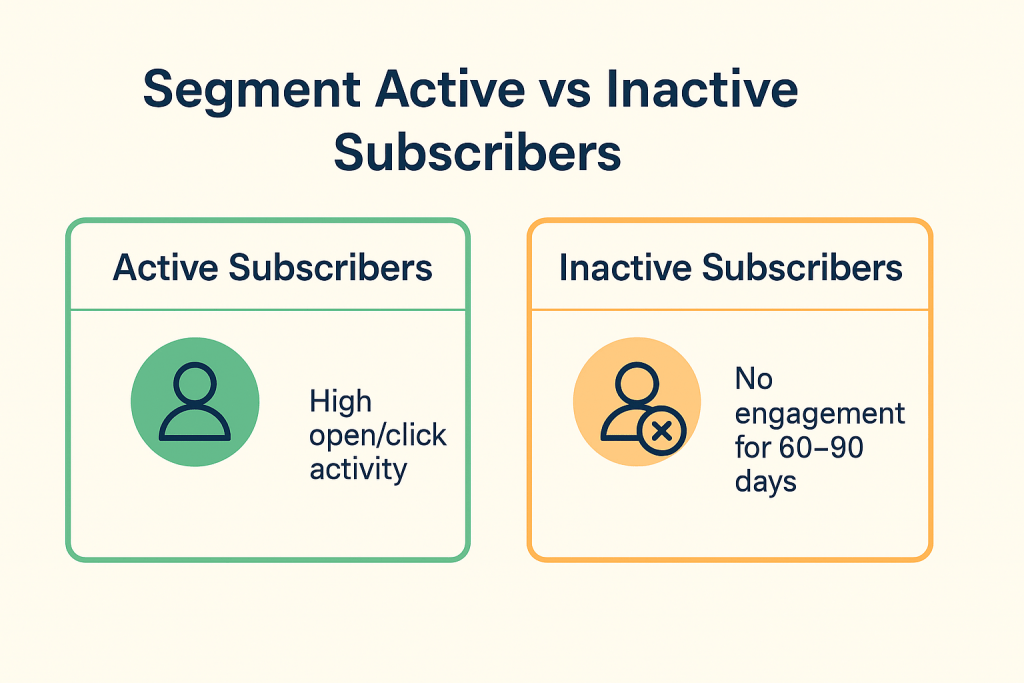
3. Segment Active vs. Inactive Subscribers
Not every subscriber engages with your emails the same way - and that’s okay. The smart move is to segment them:
Active subscribers: High open/click activity → keep emailing them normally
Inactive subscribers: No engagement for 60 - 90 days → email them less often and from a separate sub-domain
Why a separate sub-domain? It protects your main sending reputation from damage if inactive users mark your email as spam.
You can even use automation rules: Once an inactive user re-engages - by opening, clicking, or replying - they can be automatically moved back to the active segment. Many modern ESPs offer dynamic segmentation features that handle this process automatically.
Avoid sending this campaign too frequently or too infrequently. Running it once per quarter is a good balance. You can pace the campaign so that it runs gradually over the course of three months.
4. Avoid Misleading Subject Lines and Overpromising
Clickbait-style subject lines may improve open rates temporarily, but they often backfire. If the email content doesn’t match what the subject line promised, recipients feel tricked - and more likely to mark the email as spam.
Clickbait Subject Line Examples (to avoid):
You won’t believe what happened next…
This one trick will save your business!
Your account will be closed unless you read this!
Only 24 hours left to become a millionaire!
The secret marketers don’t want you to know…
Shocking news about your industry!
You’ve been selected - click to claim your prize!
READ IMMEDIATELY: Limited-time opportunity
This email changes everything
Warning: Your competitors are already doing this
Instead:
Be clear and honest in your subject lines
Set realistic expectations and deliver on them in the body of your email
Avoid all caps, excessive emojis, and spammy words like “FREE”, “LIMITED TIME”, or “ACT NOW”
Clickbaits are like glittery toys from a dollar store - flashy at first, broken by lunchtime, and guaranteed to make people regret picking them up.
Trust builds over time. Don’t sacrifice long-term credibility for a short-term open or click.
5. Monitor Feedback Loops and Complaint Rates Daily
Few things damage your domain and IP reputation more than continuing to send emails to someone who has unsubscribed or filed a complaint.
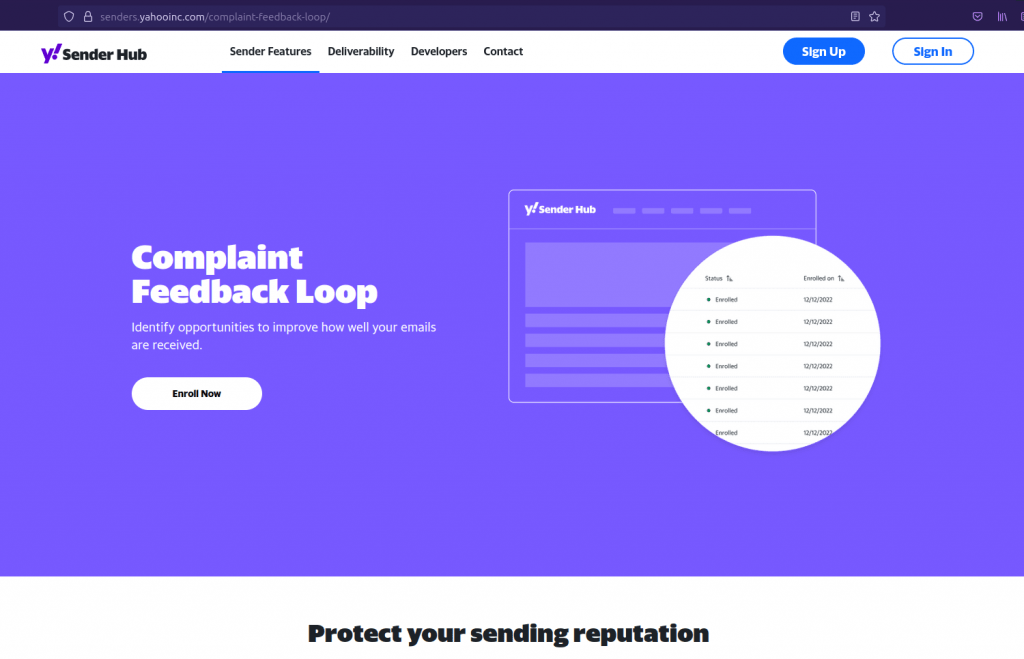
Most major ISPs (like Outlook, Yahoo, AOL) offer feedback loops that report when users mark your emails as spam. Modern ESPs integrate these feedback loops with their system to automatically suppress complainers from future sends so you don’t need to bother. But if you build your in-house systems do take care of feedback loops.
Monitor metrics like spam complaint rate (<0.1%), bounce rate, and engagement rates
Use tools like Gmail Postmaster Tools, Microsoft SNDS, or GlockApps to keep tabs on inbox placement and sender reputation
Set up alerts if complaint rates cross a threshold so you can pause campaigns and investigate
Daily visibility into complaints allows you to course-correct early before your domain or IP gets blocked.
6. Always Email Opt-in Subscribers Only
This is the golden rule of email marketing. It’s tempting to purchase or scrape email lists to jumpstart your campaign - but don’t. The long-term damage isn’t worth the short-term reach. Only email people who have clearly opted in to hear from you.
Instead of shortcutting, invest time in building your audience:
Use lead magnets and value-driven landing pages
Set clear expectations about email frequency and content
Capture consent with a proper double opt-in process if needed
💡 People are far less likely to mark your emails as spam if they actually asked to hear from you.
Final Thoughts
Controlling your spam complaint rate isn’t just a technical best practice - it’s a sign that you respect your subscribers’ time and attention. By focusing on permission-based outreach, honest messaging, and regular list hygiene, you not only reduce spam complaints - you build a loyal audience that actually wants to hear from you.
Start with one or two of these strategies today and build up from there. Your inbox placement - and your brand - will thank you.